Free Minecraft skins
224 skins made for this site. Pick one, see it in 3D, then download it or change it in the skin editor.
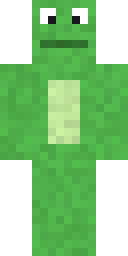 Animals26
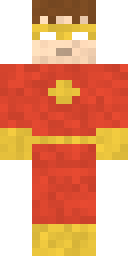 Boys75
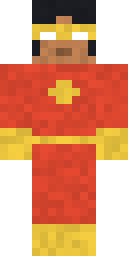 Girls85
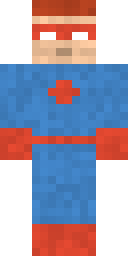 Superheroes20
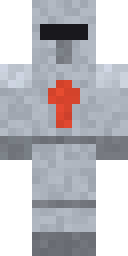 Knights8
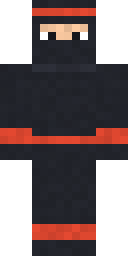 Ninjas8
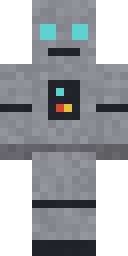 Robots8
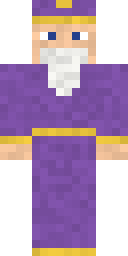 Wizards8
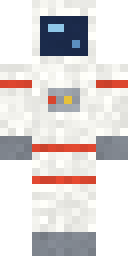 Astronauts6
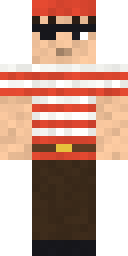 Pirates10
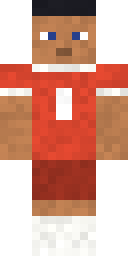 Football20
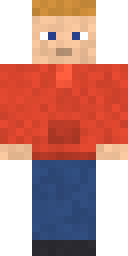 Hoodies24
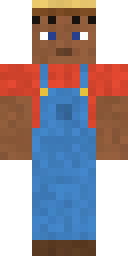 Jobs20
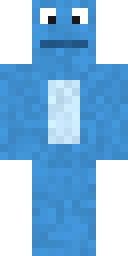 Cute56
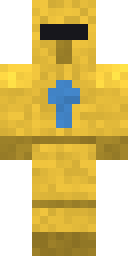 Cool94
Nothing matches. Try fewer filters.
- Green Frog
- Iron Knight
- Red Superhero Boy
- White Astronaut
- Blue Frog
- Gold Knight
- Red Superhero Girl
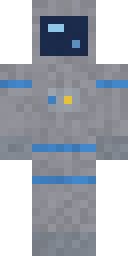 Grey Astronaut
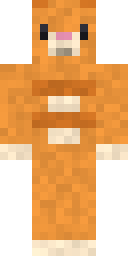 Orange Cat
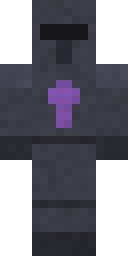 Dark Knight
- Blue Superhero Boy
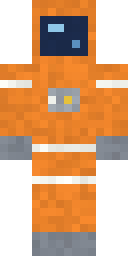 Orange Astronaut
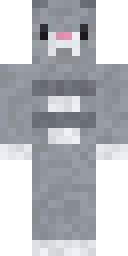 Grey Cat
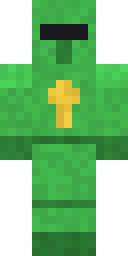 Emerald Knight
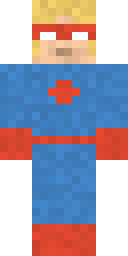 Blue Superhero Girl
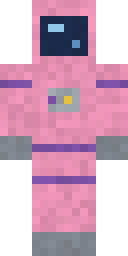 Pink Astronaut
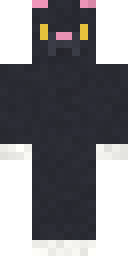 Black Cat
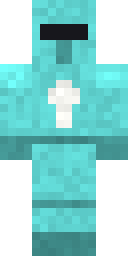 Diamond Knight
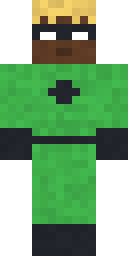 Green Superhero Boy
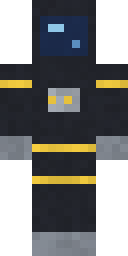 Black Astronaut
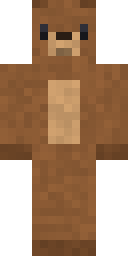 Bear
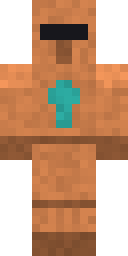 Copper Knight
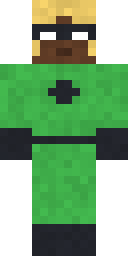 Green Superhero Girl
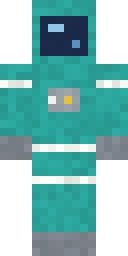 Teal Astronaut
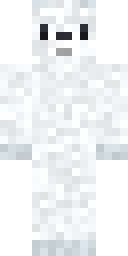 Polar Bear
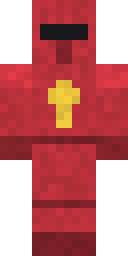 Ruby Knight
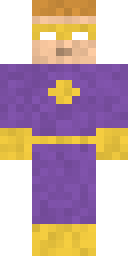 Purple Superhero Boy
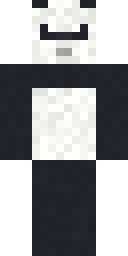 Panda
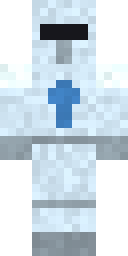 Frost Knight
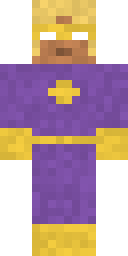 Purple Superhero Girl
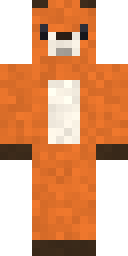 Fox
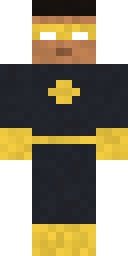 Black Superhero Boy
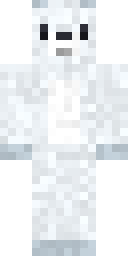 Arctic Fox
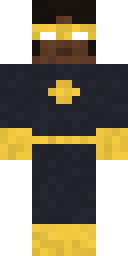 Black Superhero Girl
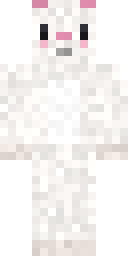 White Bunny
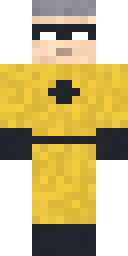 Yellow Superhero Boy
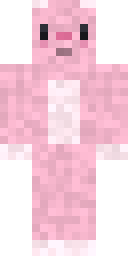 Pink Bunny
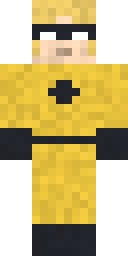 Yellow Superhero Girl
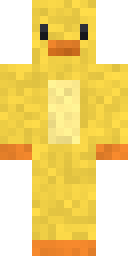 Duck
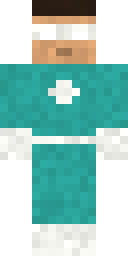 Teal Superhero Boy
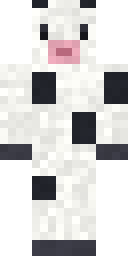 Cow
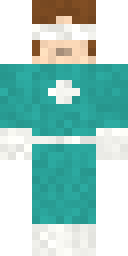 Teal Superhero Girl
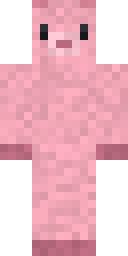 Pig
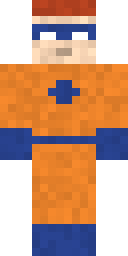 Orange Superhero Boy
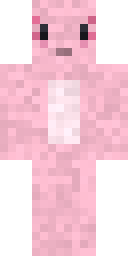 Pink Axolotl
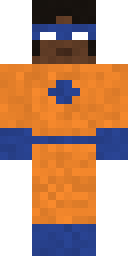 Orange Superhero Girl
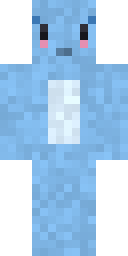 Blue Axolotl
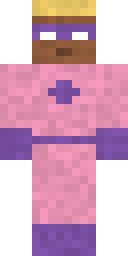 Pink Superhero Boy
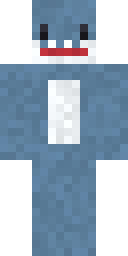 Shark
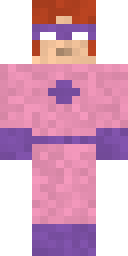 Pink Superhero Girl
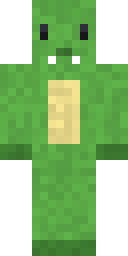 Green Dinosaur
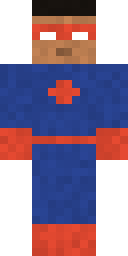 Navy Superhero Boy
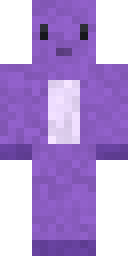 Purple Dinosaur
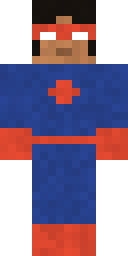 Navy Superhero Girl
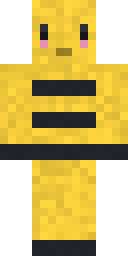 Bee
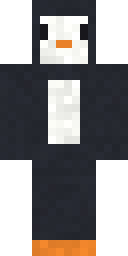 Penguin
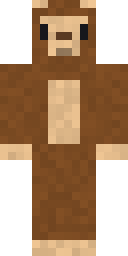 Monkey
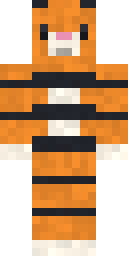 Tiger
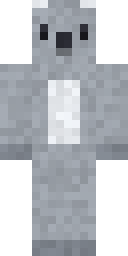 Koala
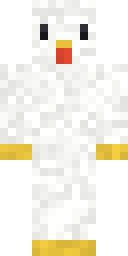 Chicken
- Black Ninja
- Grey Robot
- Purple Wizard
- Red Pirate Boy
- Blue Farmer Boy
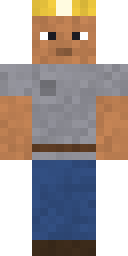 Grey Miner Boy
 Chef Boy Red Scarf
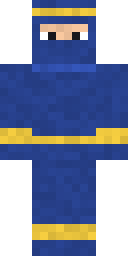 Navy Ninja
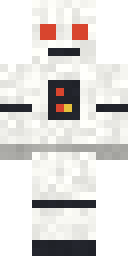 White Robot
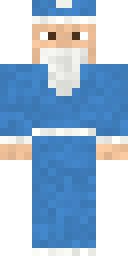 Blue Wizard
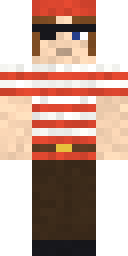 Red Pirate Girl
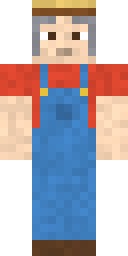 Blue Farmer Girl
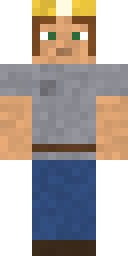 Grey Miner Girl
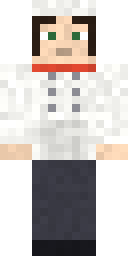 Chef Girl Red Scarf
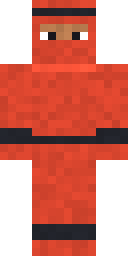 Red Ninja
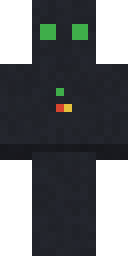 Black Robot
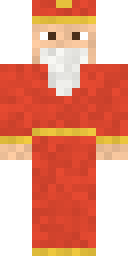 Red Wizard
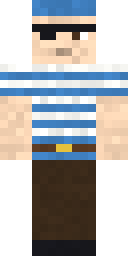 Blue Pirate Boy
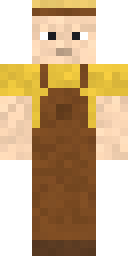 Brown Farmer Boy
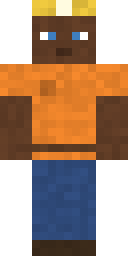 Orange Miner Boy
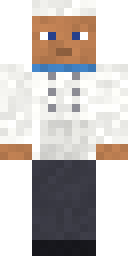 Chef Boy Blue Scarf
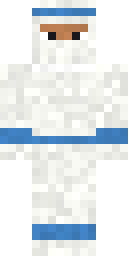 White Ninja
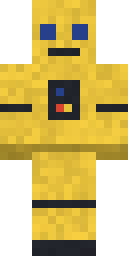 Yellow Robot
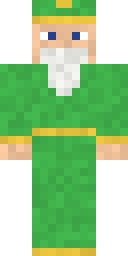 Green Wizard
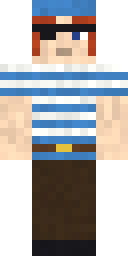 Blue Pirate Girl
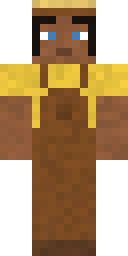 Brown Farmer Girl
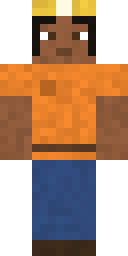 Orange Miner Girl
 Chef Girl Blue Scarf
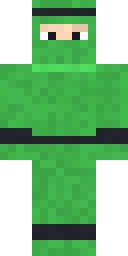 Green Ninja
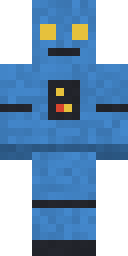 Blue Robot
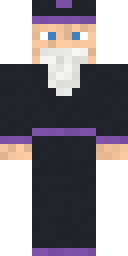 Black Wizard
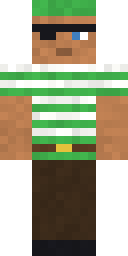 Green Pirate Boy
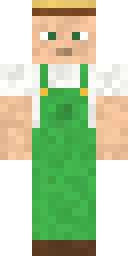 Green Farmer Boy
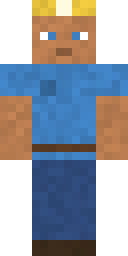 Blue Miner Boy
 Chef Boy Green Scarf
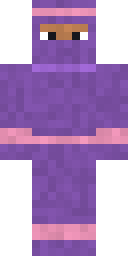 Purple Ninja
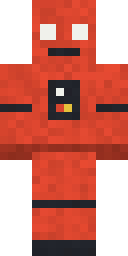 Red Robot
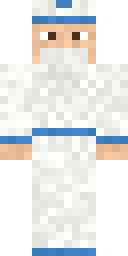 White Wizard
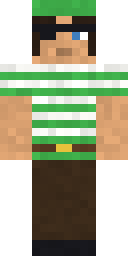 Green Pirate Girl
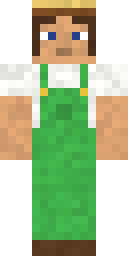 Green Farmer Girl
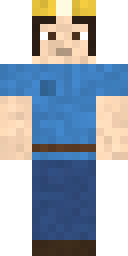 Blue Miner Girl
 Chef Girl Green Scarf
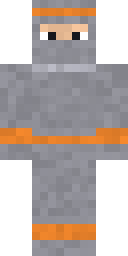 Grey Ninja
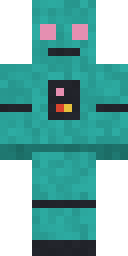 Teal Robot
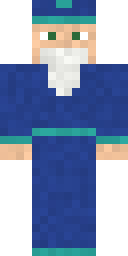 Navy Wizard
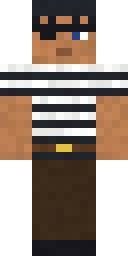 Black Pirate Boy
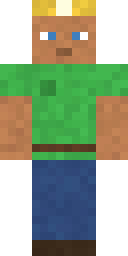 Green Miner Boy
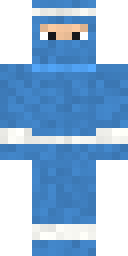 Blue Ninja
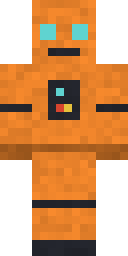 Orange Robot
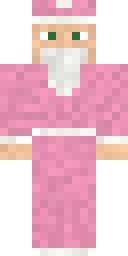 Pink Wizard
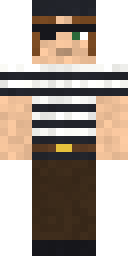 Black Pirate Girl
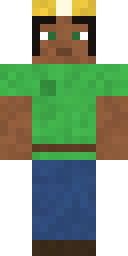 Green Miner Girl
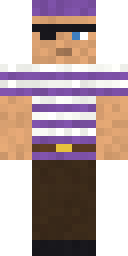 Purple Pirate Boy
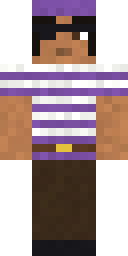 Purple Pirate Girl
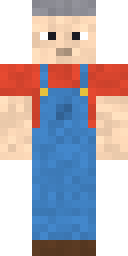 Blue Overalls Boy
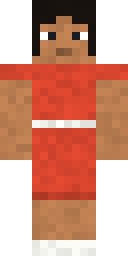 Red Dress Girl
- Red Hoodie Boy
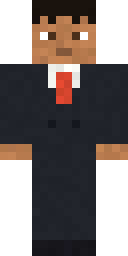 Black Suit Boy
- Red Football Kit Boy
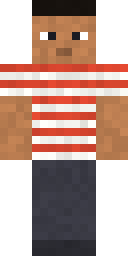 Red Striped Boy
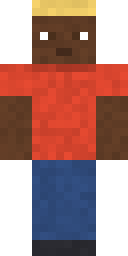 Red T-Shirt Boy
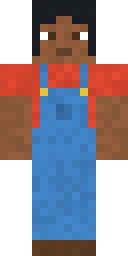 Blue Overalls Girl
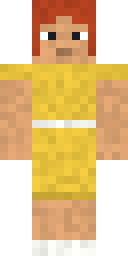 Yellow Dress Girl
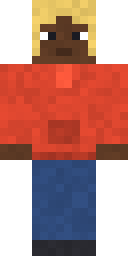 Red Hoodie Girl
 Black Suit Girl
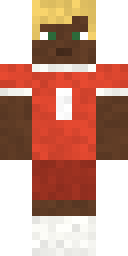 Red Football Kit Girl
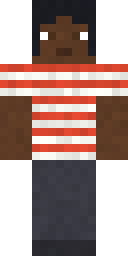 Red Striped Girl
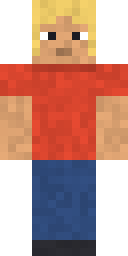 Red T-Shirt Girl
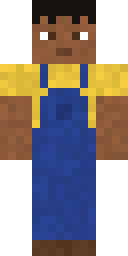 Navy Overalls Boy
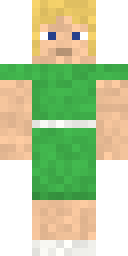 Green Dress Girl
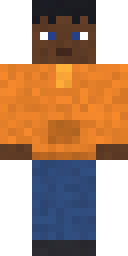 Orange Hoodie Boy
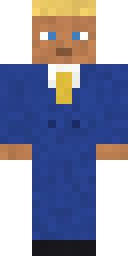 Navy Suit Boy
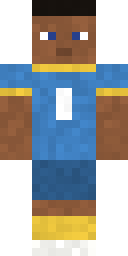 Blue Football Kit Boy
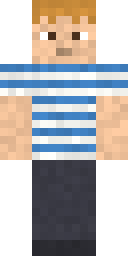 Blue Striped Boy
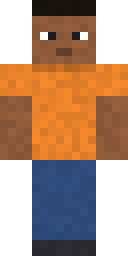 Orange T-Shirt Boy
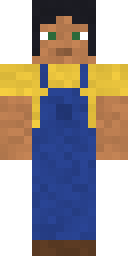 Navy Overalls Girl
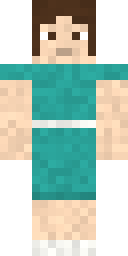 Teal Dress Girl
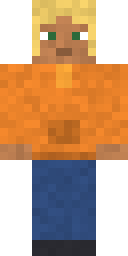 Orange Hoodie Girl
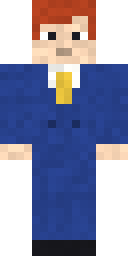 Navy Suit Girl
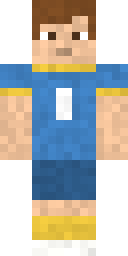 Blue Football Kit Girl
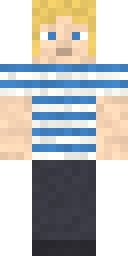 Blue Striped Girl
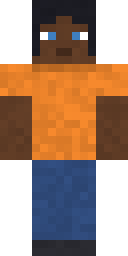 Orange T-Shirt Girl
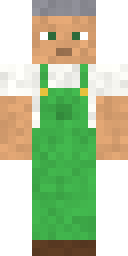 Green Overalls Boy
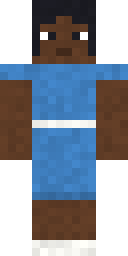 Blue Dress Girl
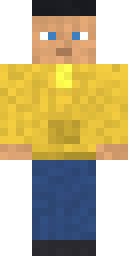 Yellow Hoodie Boy
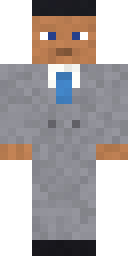 Grey Suit Boy
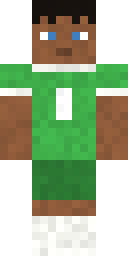 Green Football Kit Boy
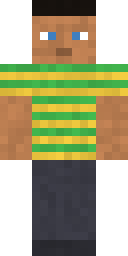 Green Striped Boy
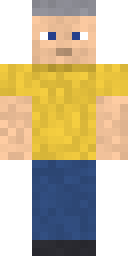 Yellow T-Shirt Boy
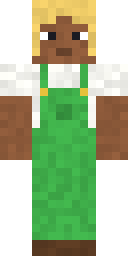 Green Overalls Girl
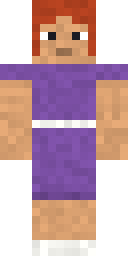 Purple Dress Girl
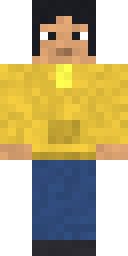 Yellow Hoodie Girl
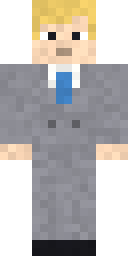 Grey Suit Girl
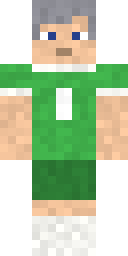 Green Football Kit Girl
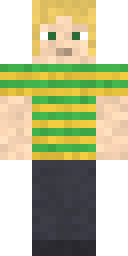 Green Striped Girl
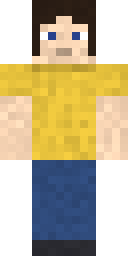 Yellow T-Shirt Girl
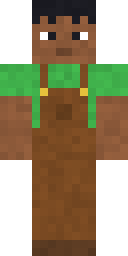 Brown Overalls Boy
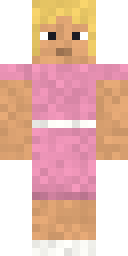 Pink Dress Girl
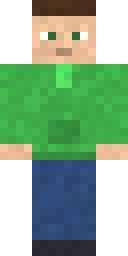 Green Hoodie Boy
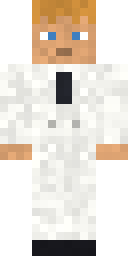 White Suit Boy
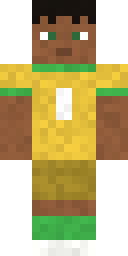 Yellow Football Kit Boy
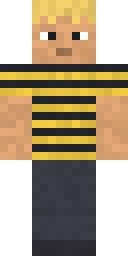 Black Striped Boy
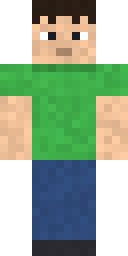 Green T-Shirt Boy
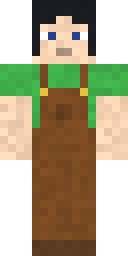 Brown Overalls Girl
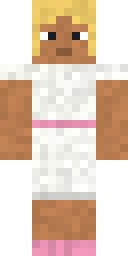 White Dress Girl
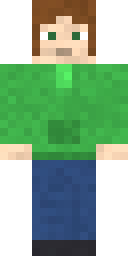 Green Hoodie Girl
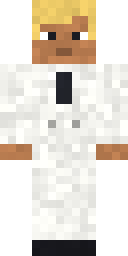 White Suit Girl
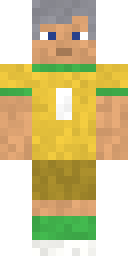 Yellow Football Kit Girl
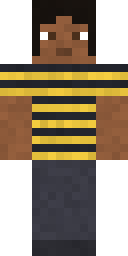 Black Striped Girl
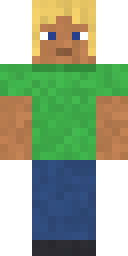 Green T-Shirt Girl
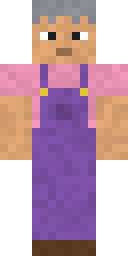 Purple Overalls Boy
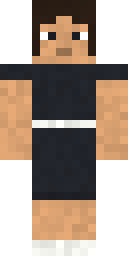 Black Dress Girl
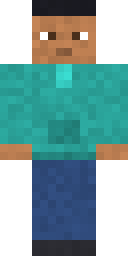 Teal Hoodie Boy
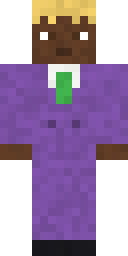 Purple Suit Boy
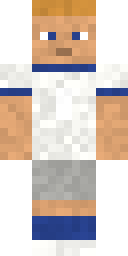 White Football Kit Boy
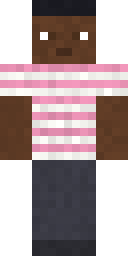 Pink Striped Boy
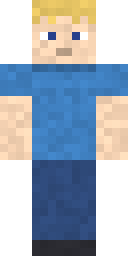 Blue T-Shirt Boy
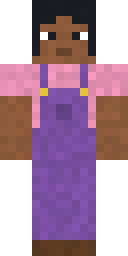 Purple Overalls Girl
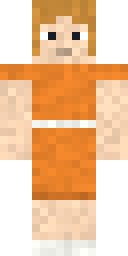 Orange Dress Girl
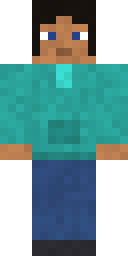 Teal Hoodie Girl
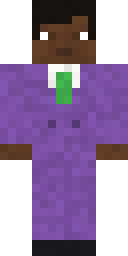 Purple Suit Girl
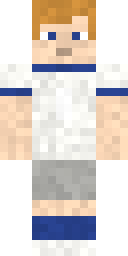 White Football Kit Girl
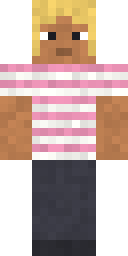 Pink Striped Girl
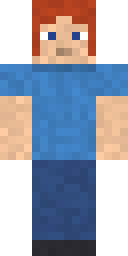 Blue T-Shirt Girl
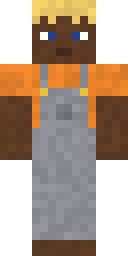 Grey Overalls Boy
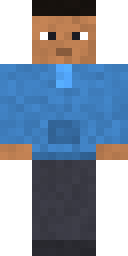 Blue Hoodie Boy
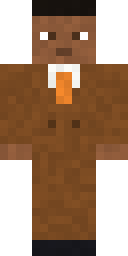 Brown Suit Boy
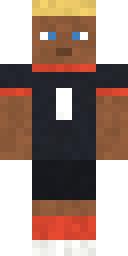 Black Football Kit Boy
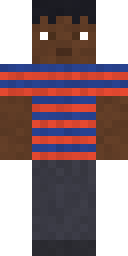 Navy Striped Boy
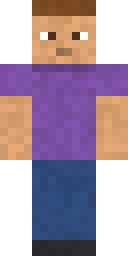 Purple T-Shirt Boy
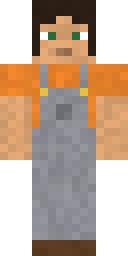 Grey Overalls Girl
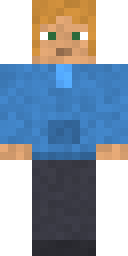 Blue Hoodie Girl
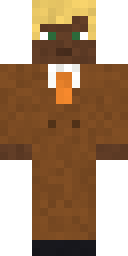 Brown Suit Girl
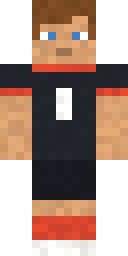 Black Football Kit Girl
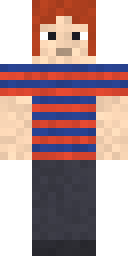 Navy Striped Girl
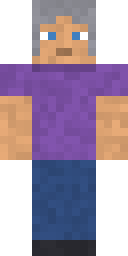 Purple T-Shirt Girl
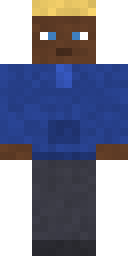 Navy Hoodie Boy
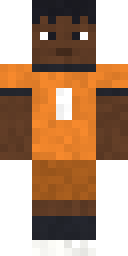 Orange Football Kit Boy
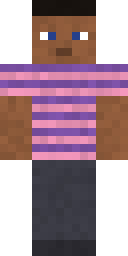 Purple Striped Boy
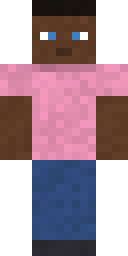 Pink T-Shirt Boy
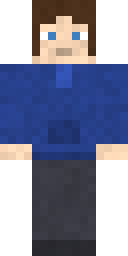 Navy Hoodie Girl
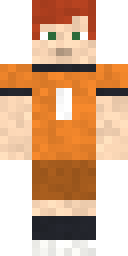 Orange Football Kit Girl
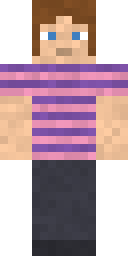 Purple Striped Girl
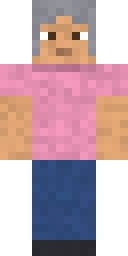 Pink T-Shirt Girl
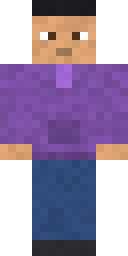 Purple Hoodie Boy
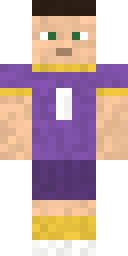 Purple Football Kit Boy
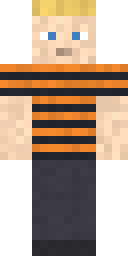 Orange Striped Boy
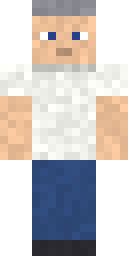 White T-Shirt Boy
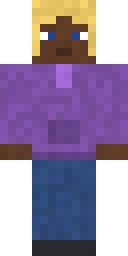 Purple Hoodie Girl
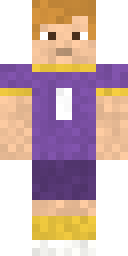 Purple Football Kit Girl
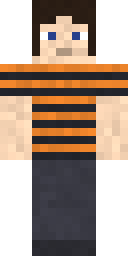 Orange Striped Girl
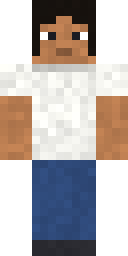 White T-Shirt Girl
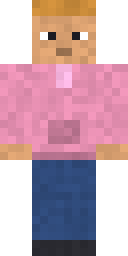 Pink Hoodie Boy
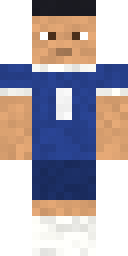 Navy Football Kit Boy
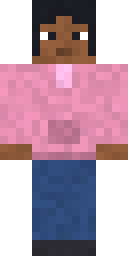 Pink Hoodie Girl
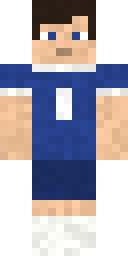 Navy Football Kit Girl
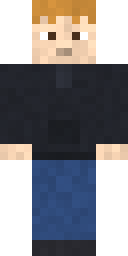 Black Hoodie Boy
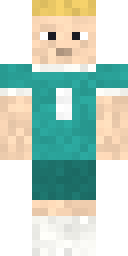 Teal Football Kit Boy
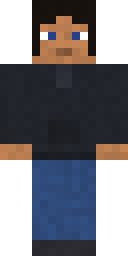 Black Hoodie Girl
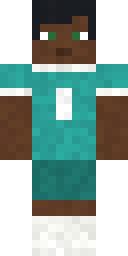 Teal Football Kit Girl
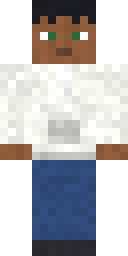 White Hoodie Boy
 White Hoodie Girl
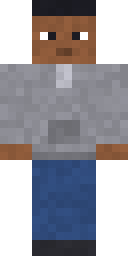 Grey Hoodie Boy
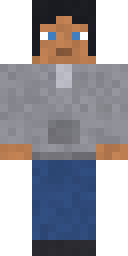 Grey Hoodie Girl
Minecraft skin questions
Are these Minecraft skins free?
Yes. Every skin on this page is free to download and use, and you do not need an account.
How do I change my skin in Minecraft Java Edition?
Open the Minecraft Launcher and go to Skins. Choose New skin, press Browse and pick the PNG you downloaded. Choose Classic, then Save and use.
Do these skins work on Bedrock Edition?
Yes on Windows, Android, iPhone and iPad. Open Dressing Room, then Classic Skins, Owned and Import. Xbox, PlayStation and Switch do not let you import your own skin file.
Can I change a skin before I use it?
Yes. Open any skin and press Edit this skin. It opens in the skin editor, where you can repaint it and download your own version.
What size is a Minecraft skin?
A skin is a PNG picture that is 64 pixels wide and 64 pixels tall. All skins here are that size.
How to use a skin
- Tap a skin and press Download. You get a small PNG picture.
- Java Edition: open the Minecraft Launcher, go to Skins, choose New skin and pick the file.
- Bedrock Edition: open Dressing Room, go to Classic Skins, then Owned, then Import.
All skins here use classic arms (4 pixels wide). Want different colours or a new face? Press Edit on any skin and it opens in the skin editor.
More Minecraft tools
- Skin editorPaint a 64×64 skin, watch it on a 3D model, download the PNG.
- Command generatorBuild /give, /summon, /effect, /enchant and other commands from menus.
- Crafting recipesEvery crafting-table recipe, one page per item.
- Item listAll items with ID, stack size, recipe and give command.
- EnchantmentsMax level, what each one goes on, and which ones clash.
- MobsEvery mob with size, type and summon command.